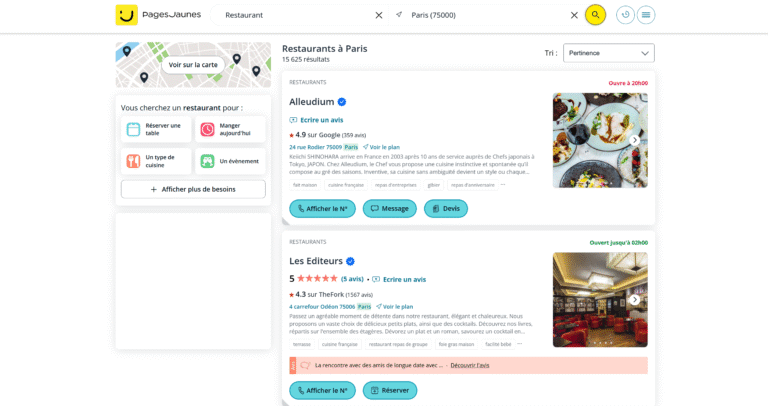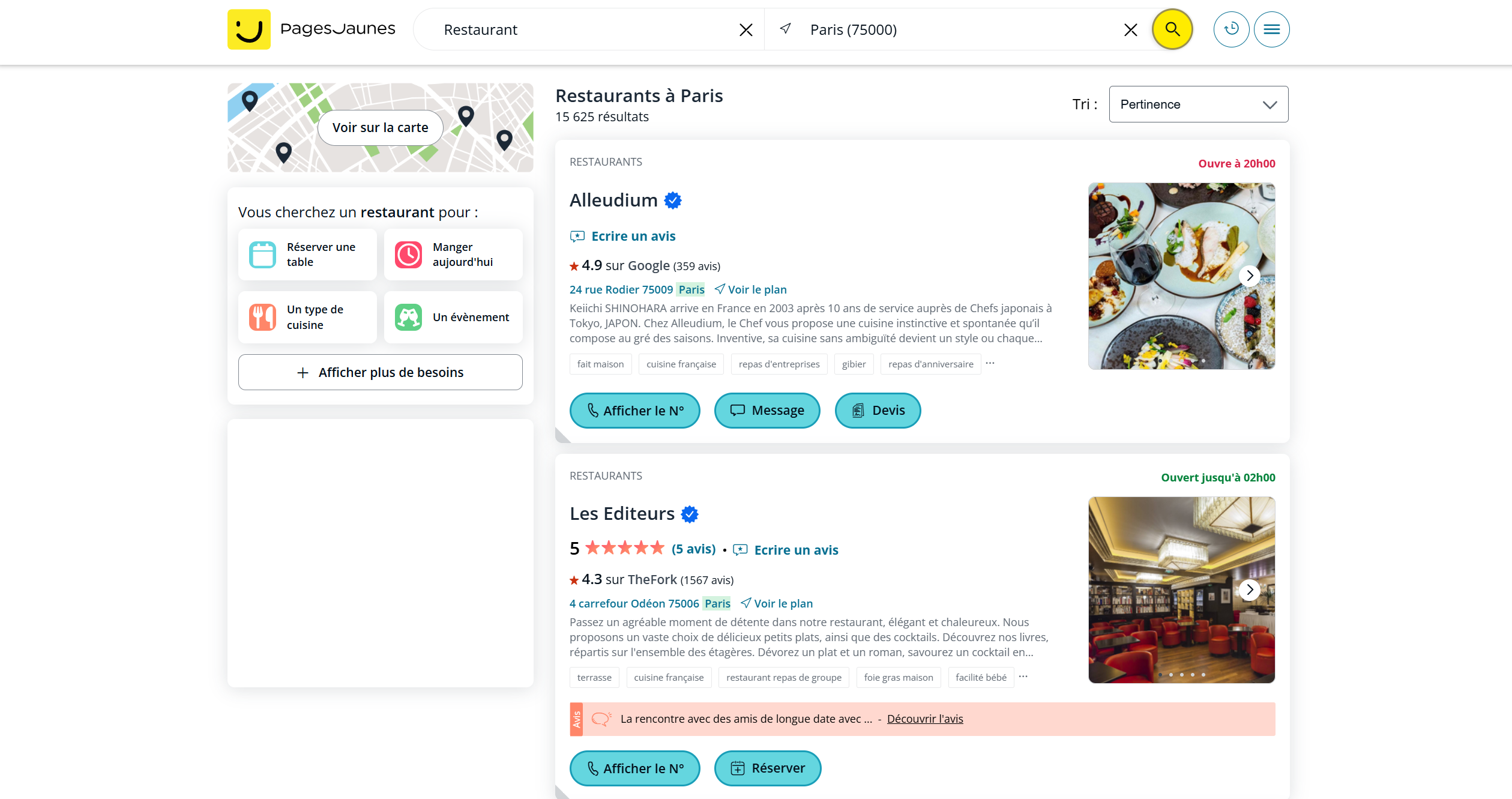

In this tutorial, you will learn how to obtain all the company profiles on pagesjaunes.fr without using any scraping software, legally, by utilizing the HAR file from your browser.
*This video is in French, but you can enable subtitles.
Step 1: Record the HAR File
The steps on Firefox :
- Navigate to Entreparticuliers.com :
- Go on pagesjaunes.fr
- Open Developer Tools:
- Press
F12to open the Developer Tools. - Go to the “Network” tab.
- Press
- Enable Log Preservation:
- Select “Persist log” on the setting to keep the network logs even when navigating to different pages.
- Filter URLs:
- On “Filter URLs” put : https://www.pagesjaunes.fr/annuaire/chercherlespros
- Navigate Through the Pages:
- Search for what you want to scrape.
- Go back to all the pages you want to scrape.
- Download the HAR File:
- Once you have navigated through all the pages, right-click on the network requests list and select “Save All As HAR”.
Step 2: Analyze the HAR File with Our Tool
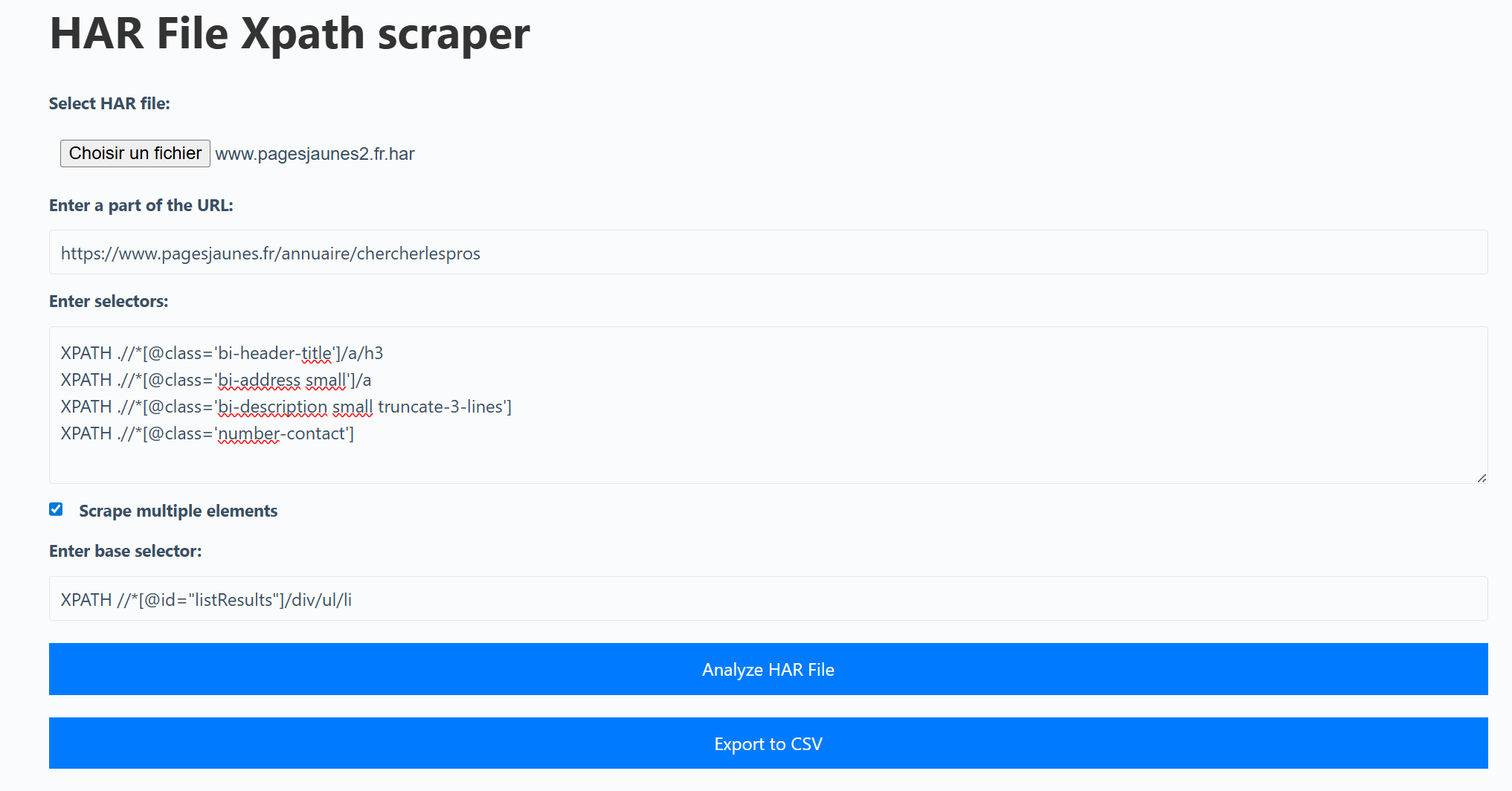
- Visit the Tool:
- Go to Scraprover HAR XPATH Scraper.
- Upload the HAR File:
- Select and upload the HAR file you just saved.
- Enter URL Part:
- In the field “Enter a part of the URL“, input:
https://www.pagesjaunes.fr/annuaire/chercherlespros- Enter JSON Selectors:
- In the field “Enter XPath or CSS selectors, one per line“, input the following:
XPATH .//*[@class='bi-header-title']/a/h3
XPATH .//*[@class='bi-address small']/a
XPATH .//*[@class='bi-description small truncate-3-lines']
XPATH .//*[@class='number-contact']- Click on Scrape multiple elements:
- In the field “Enter base selector“, input the following:
XPATH //*[@id="listResults"]/div/ul/liAnalyze the HAR File:
- Click on the button “Analyze HAR File”.
Export the Results:
- Once the analysis is complete, you will see the results.
- You can download the results as a CSV file by clicking on “Download CSV Results”.